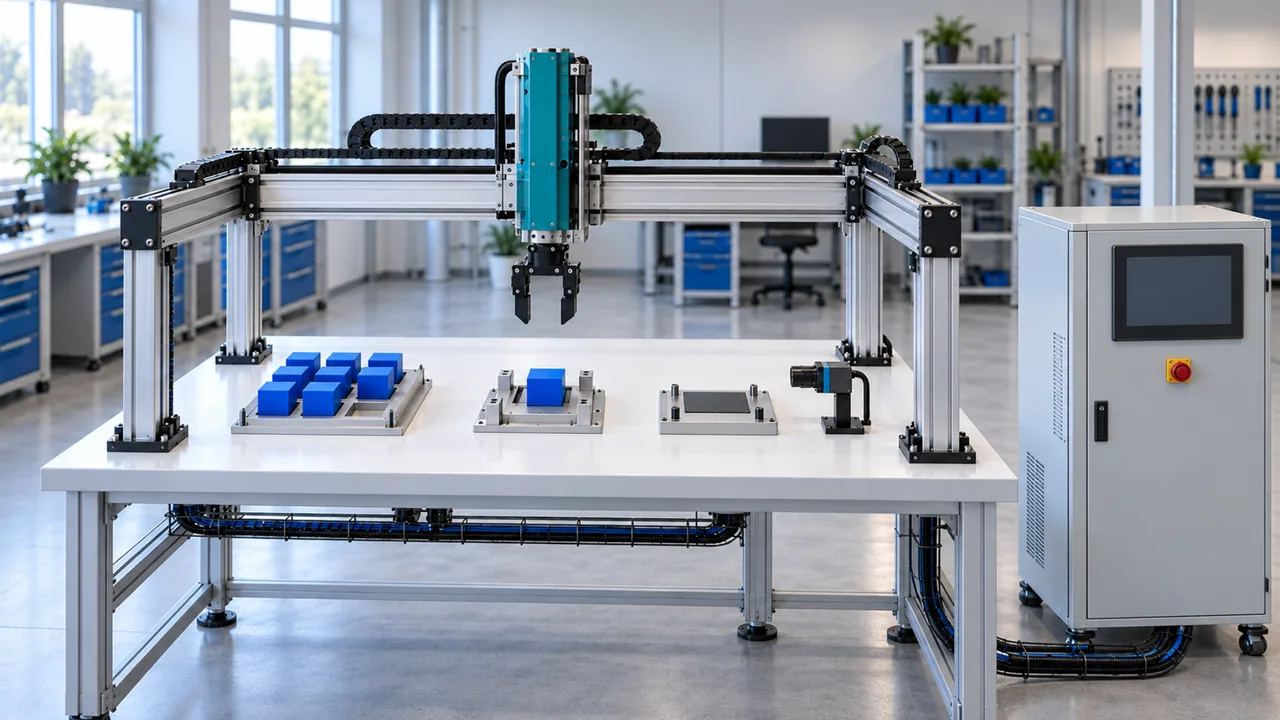
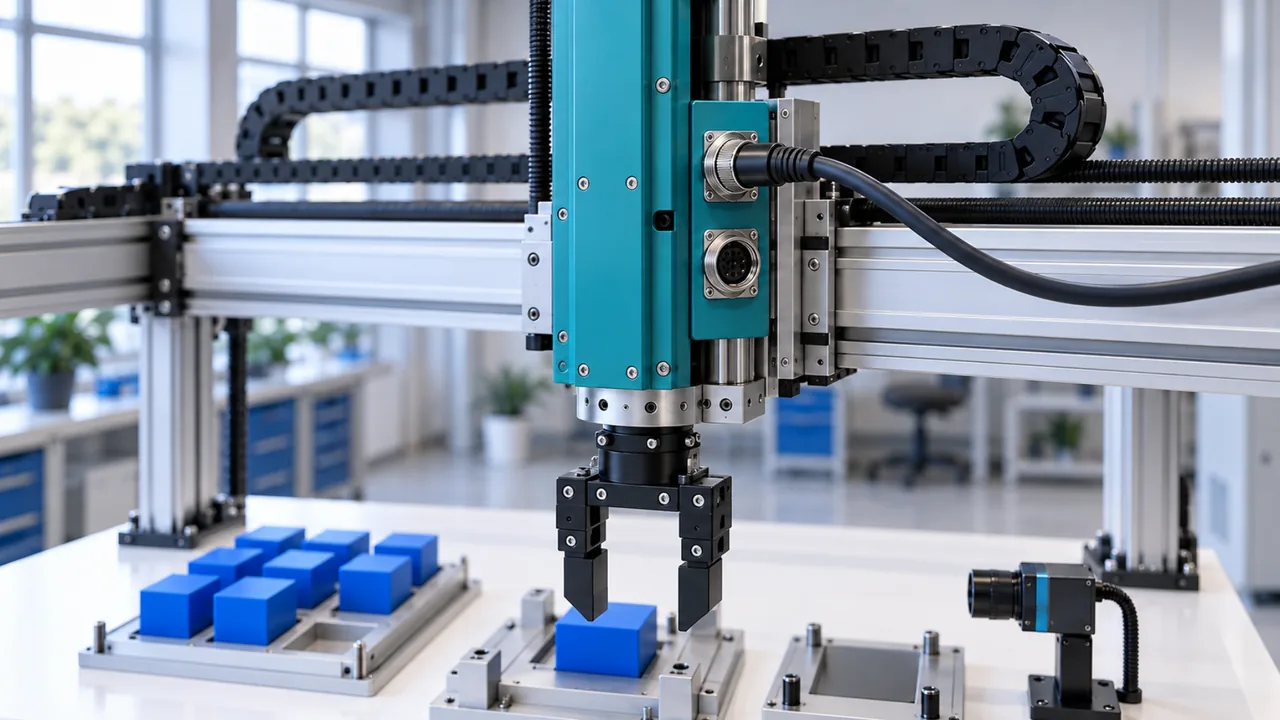
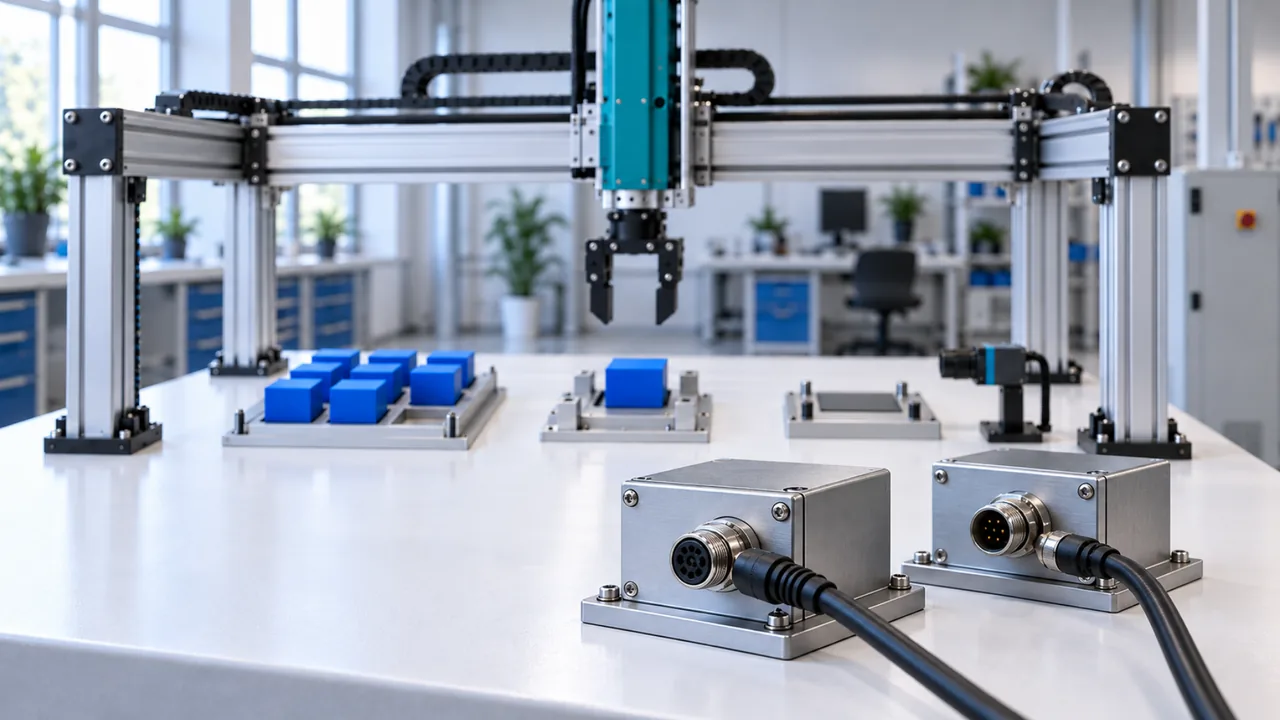
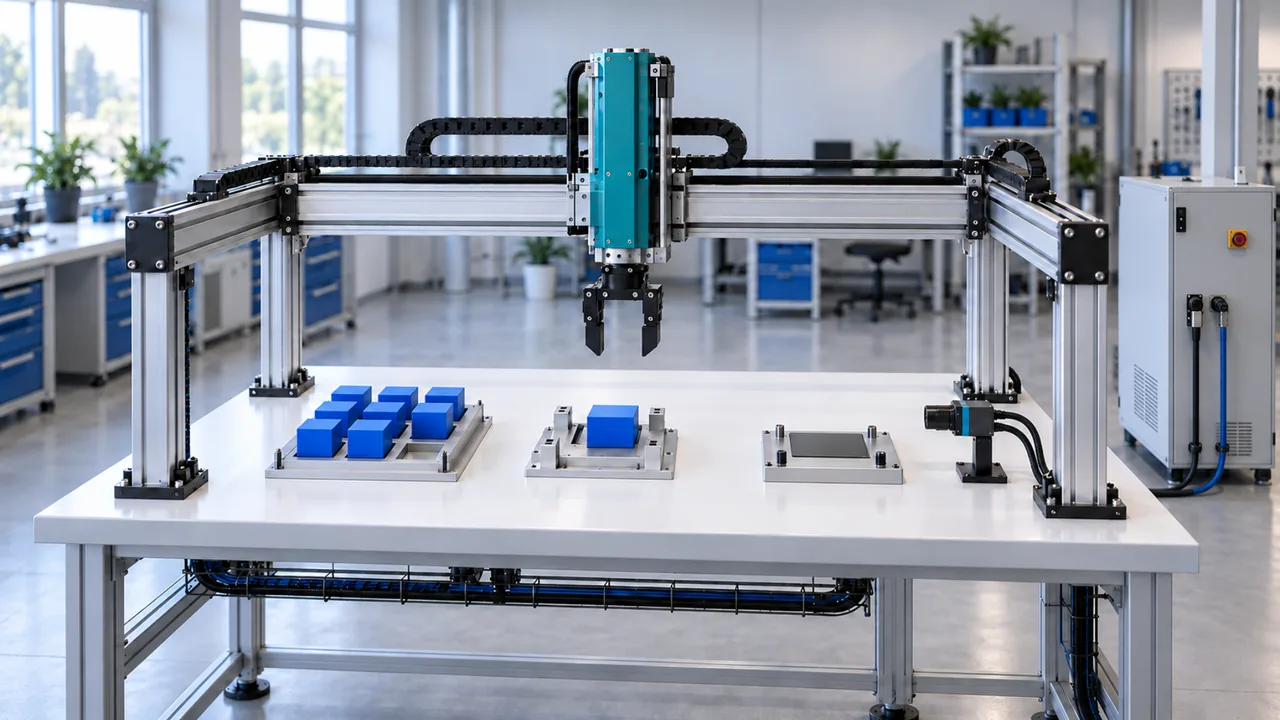
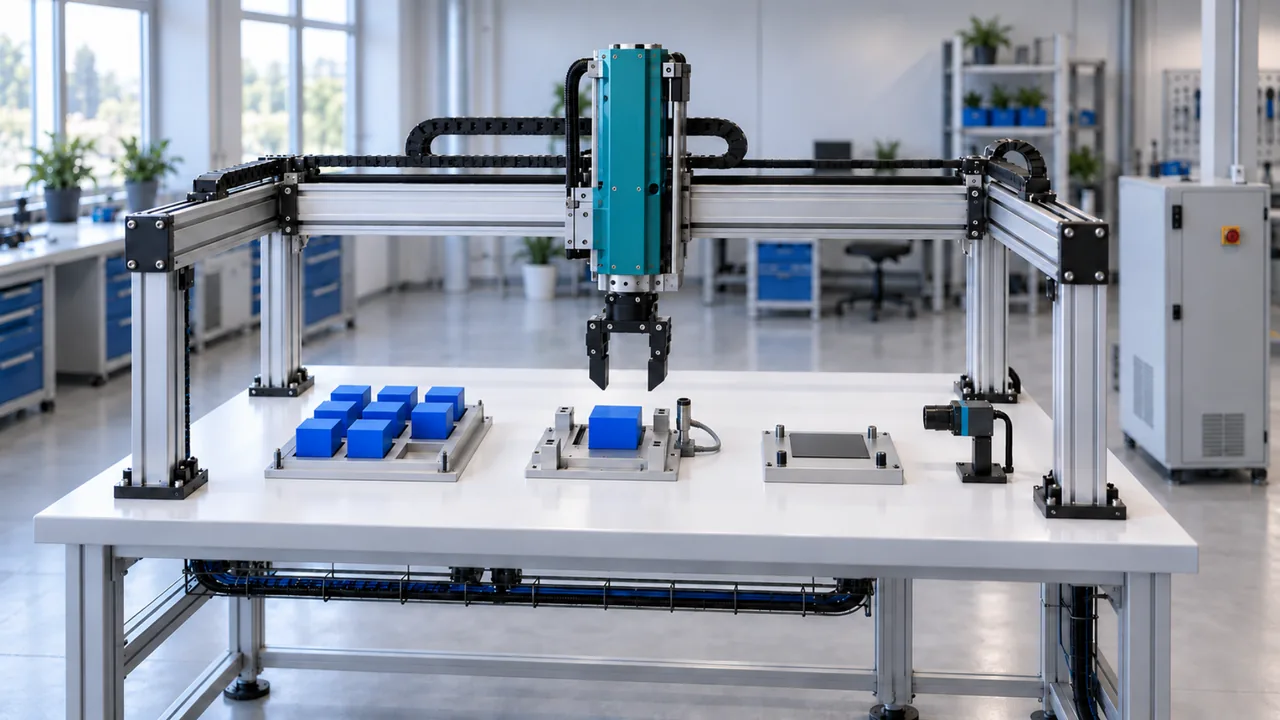
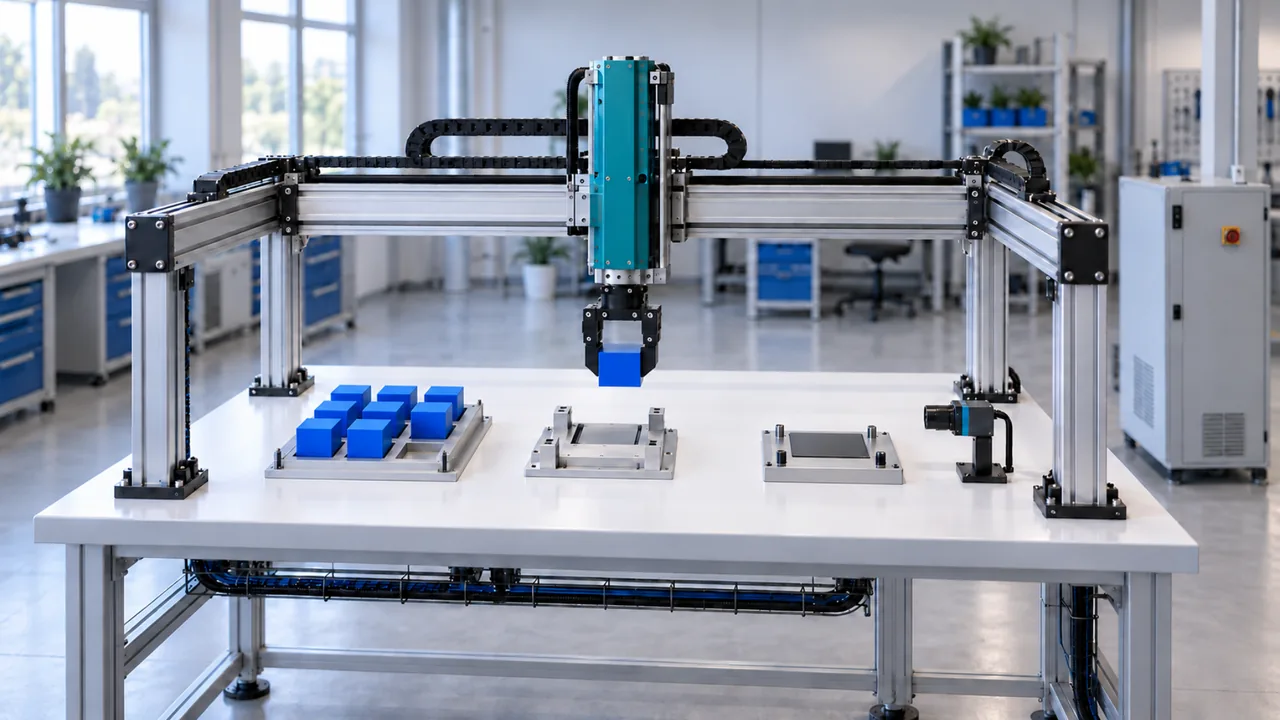
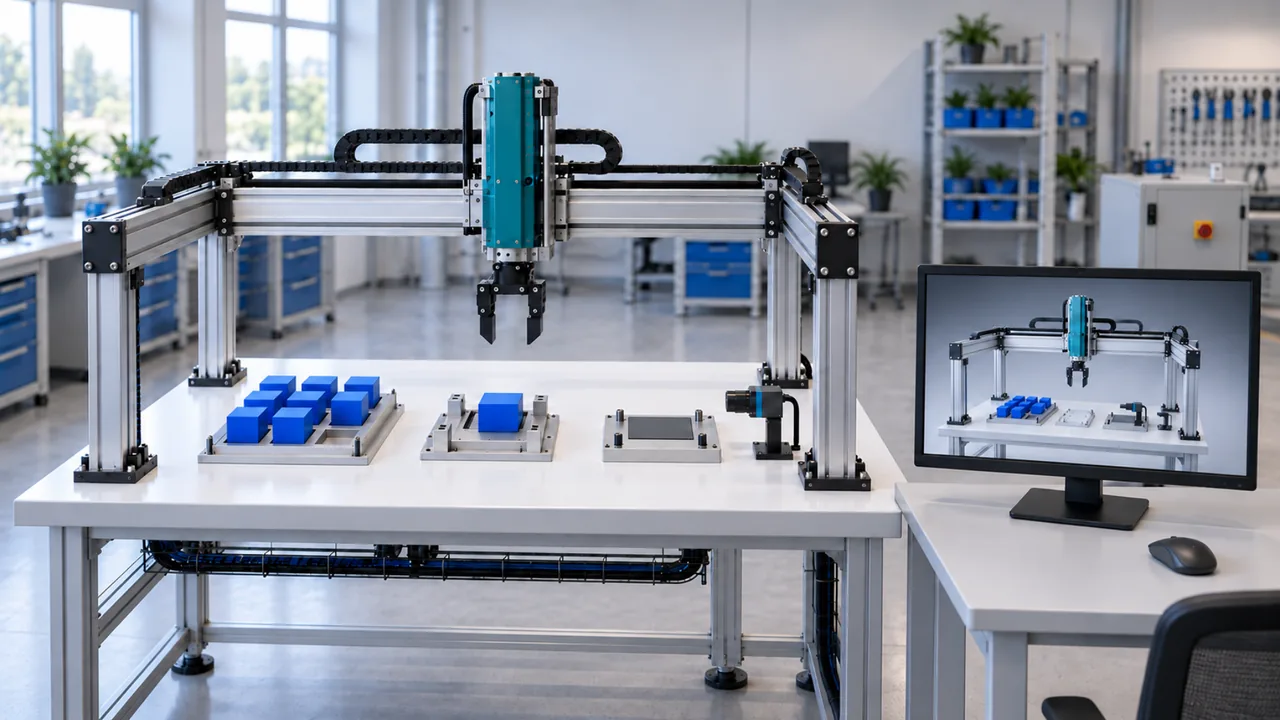
The coordinator and robot need to exchange requests and results across their boundary.
Narration: The coordinator and the robot need to exchange the information they each require. “Please place the part” and “placement is finished” are two examples.
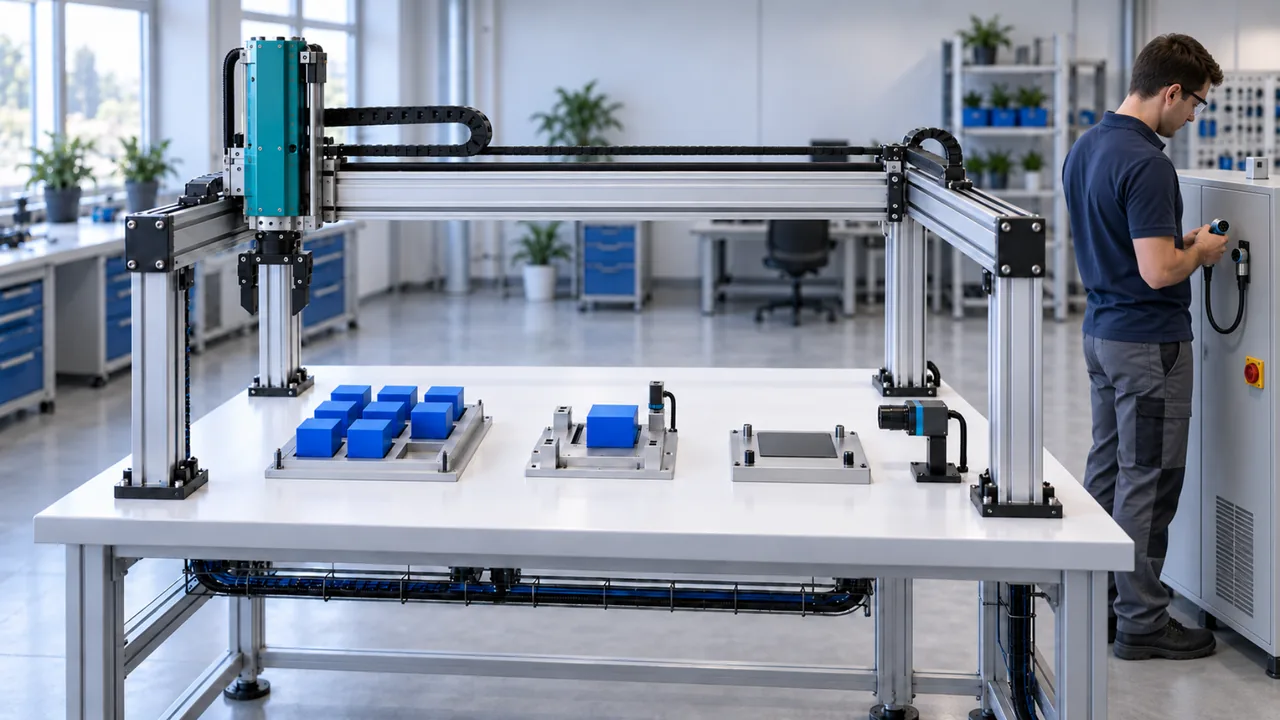
What to notice: Look at the distance between the control cabinet and the robot.
Triangles are signal points for each group: sending goes out, and receiving comes in.
Narration: DS calls a signal connection point a TAG. OUT sends from its own group, and IN receives into that group. We show OUT as a downward-pointing triangle and IN as an upward-pointing triangle.
What to notice: Find a send point and a receive point on each group.
Send the request from the coordinator to the robot, and return the result from the robot to the coordinator.
Narration: The request goes from the coordinator System A, at A.OUT, to the robot System B, at B.IN. The result returns from B.OUT to A.IN. IN and OUT are named from each System’s own viewpoint.
What to notice: Follow the two arrows that carry information in opposite directions.
A confirms B’s first transfer before requesting the second.
Narration: This is the first transfer, from buffer to alignment. After B places the part and confirms this transfer’s completion conditions, its reply returns to A. A uses the reply to evaluate completion of its own Work. A can then request the second transfer. Sending a command alone never proves completion.
What to notice: Only the first B path is highlighted; its completion reply goes back to A.
Report a missing valid reply at the time limit. If the signal disappears after arrival, apply the agreed sensor rule at once.
Narration: If the required reply does not arrive within the agreed time, report that the wait is too long. If an arrived sensor signal disappears, check it immediately; whether a brief fluctuation is allowed depends on the agreed sensor rule.
What to notice: Look at the completion sensor and the part's position in front of it.
Commands go A → B or A → C; each completion reply returns to A.
Narration: A distinguishes the two transfers requested from B and checks each completion. Once the second transfer finishes, A requests inspection from C. C also returns completion to A. There is no direct start arrow from B to C. The TAG connections support the order coordinated by A.
What to notice: Check A with B and A with C separately; there is no B-to-C command line.