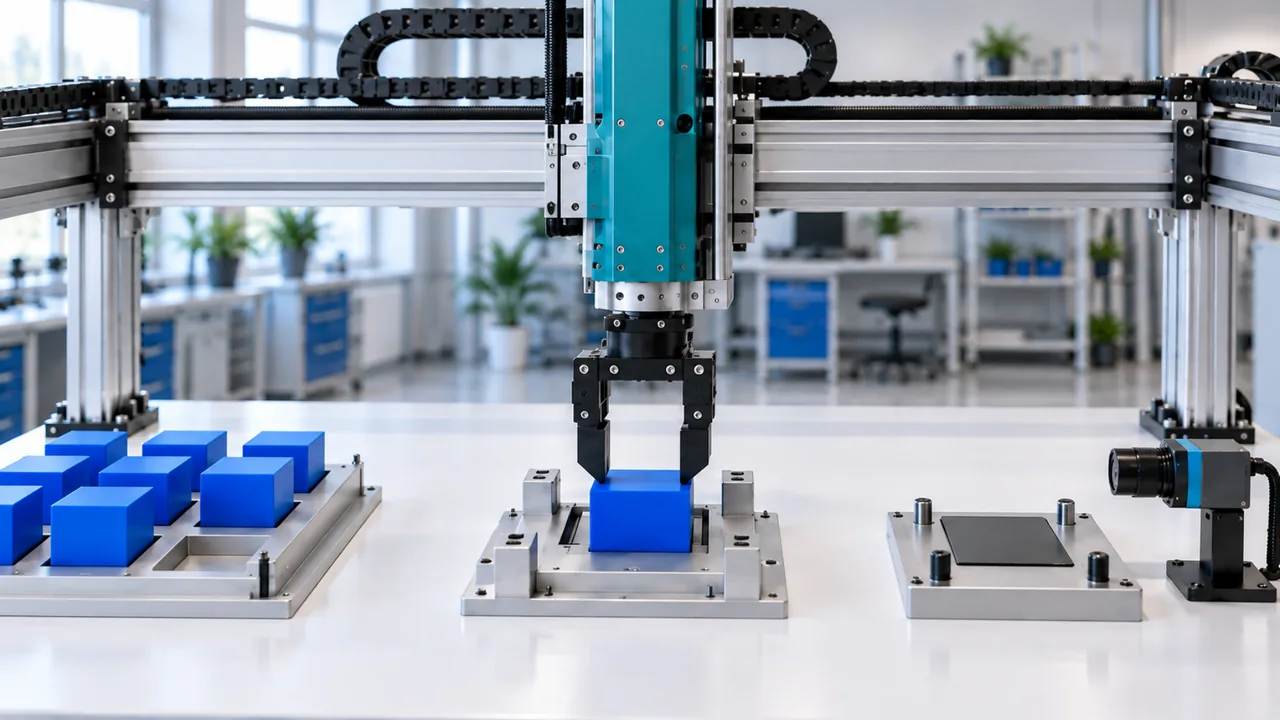
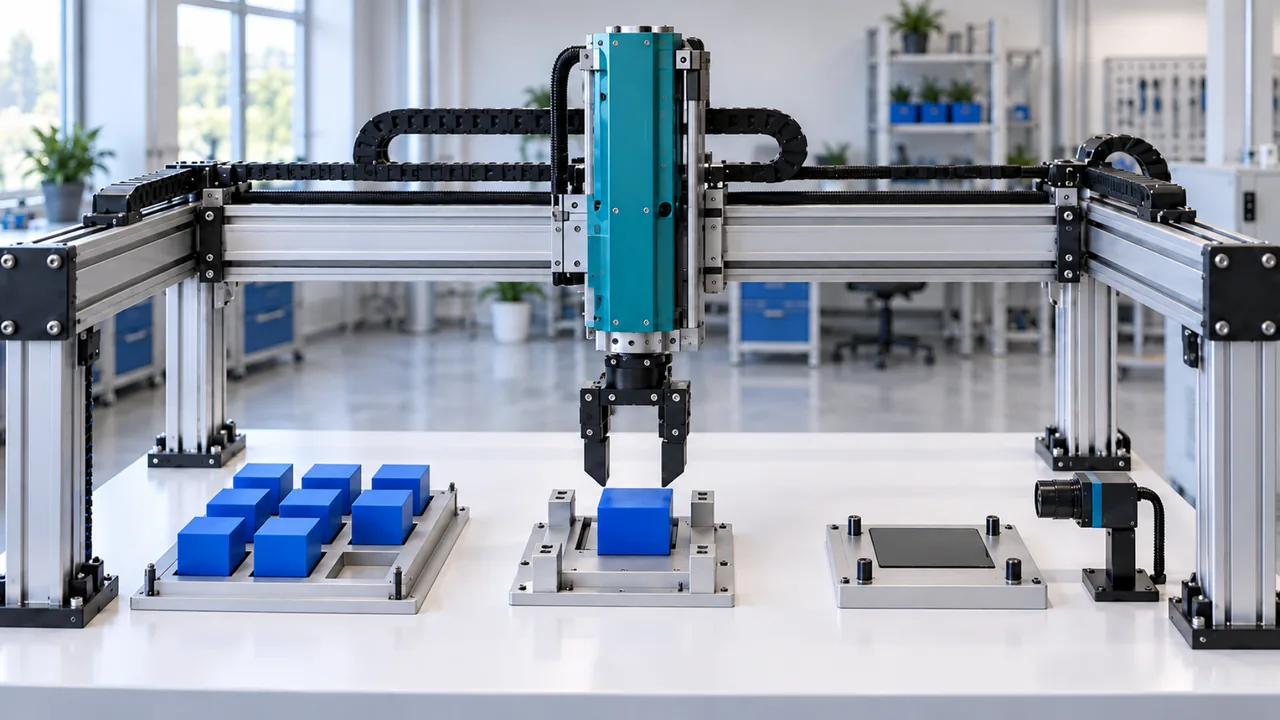
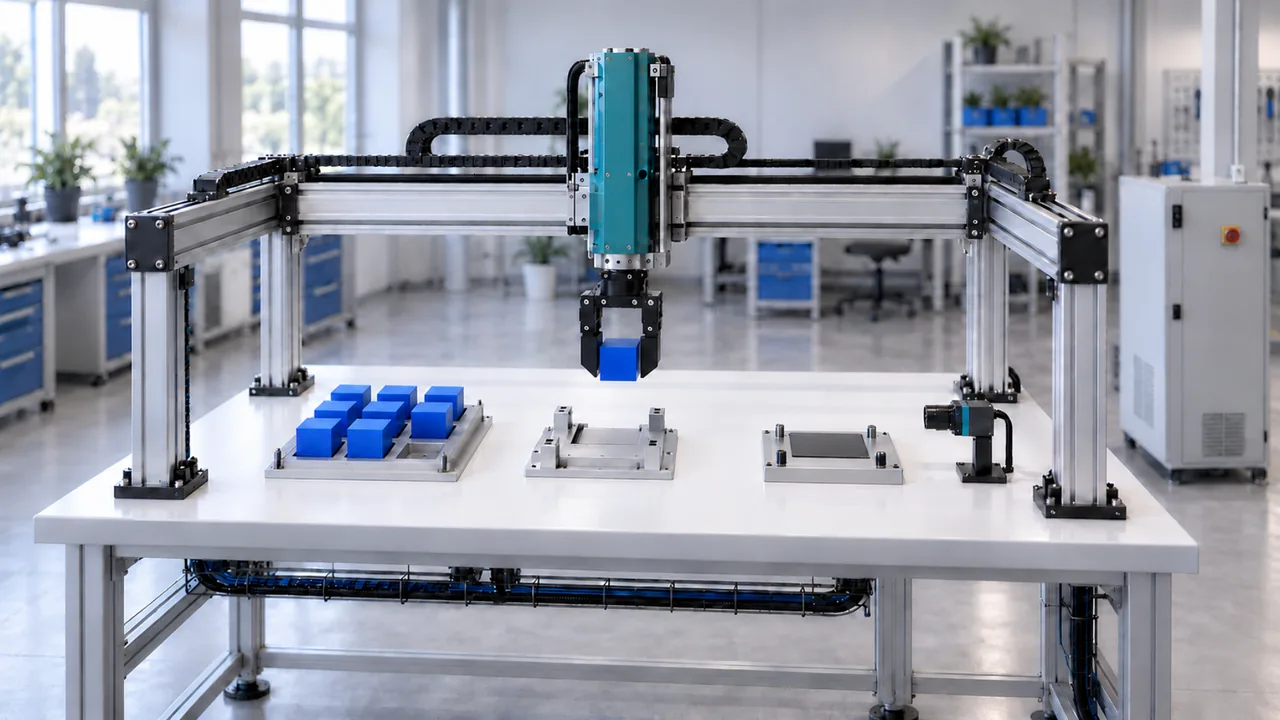
The part is not placed yet, so its mark is 0. Here, 0 means not yet and 1 means finished.
Narration: Let us go back to just before the part is placed. In DS, one job is called a Work and is shown as a rectangle. A 0 inside means “not finished yet,” and a 1 means “finished.”
What to notice: Check whether the gripper is still holding the part.
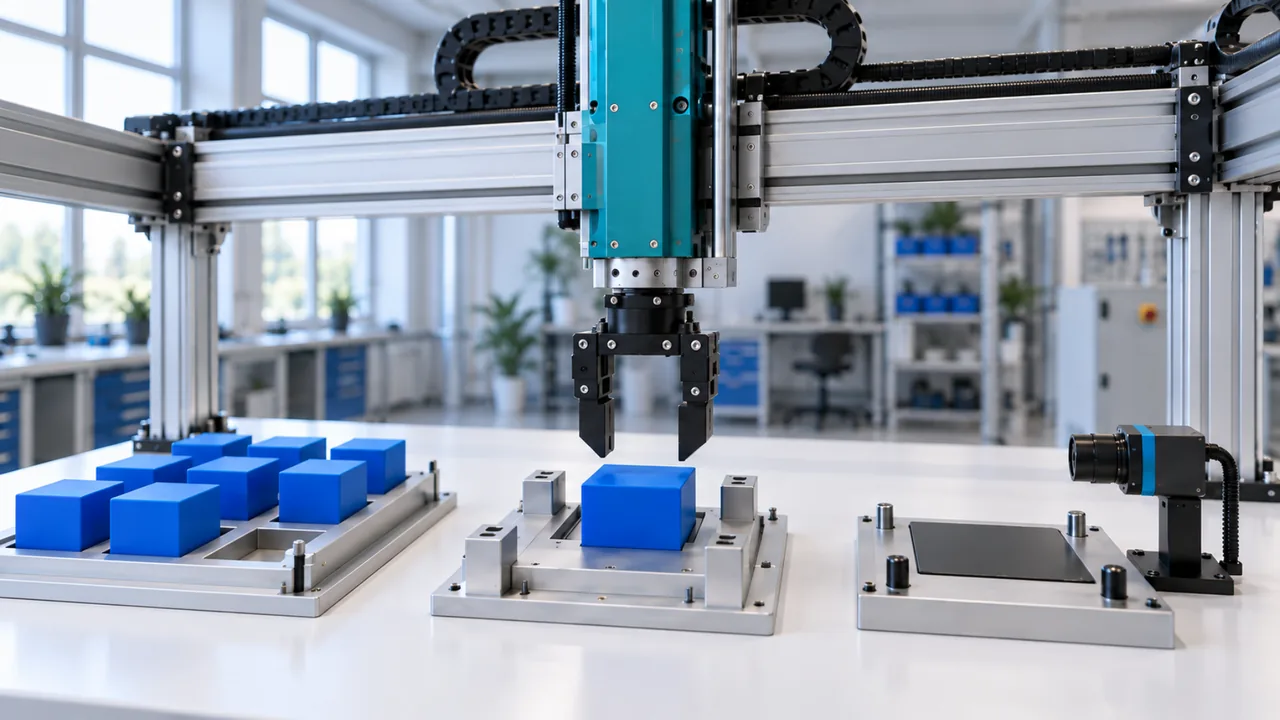
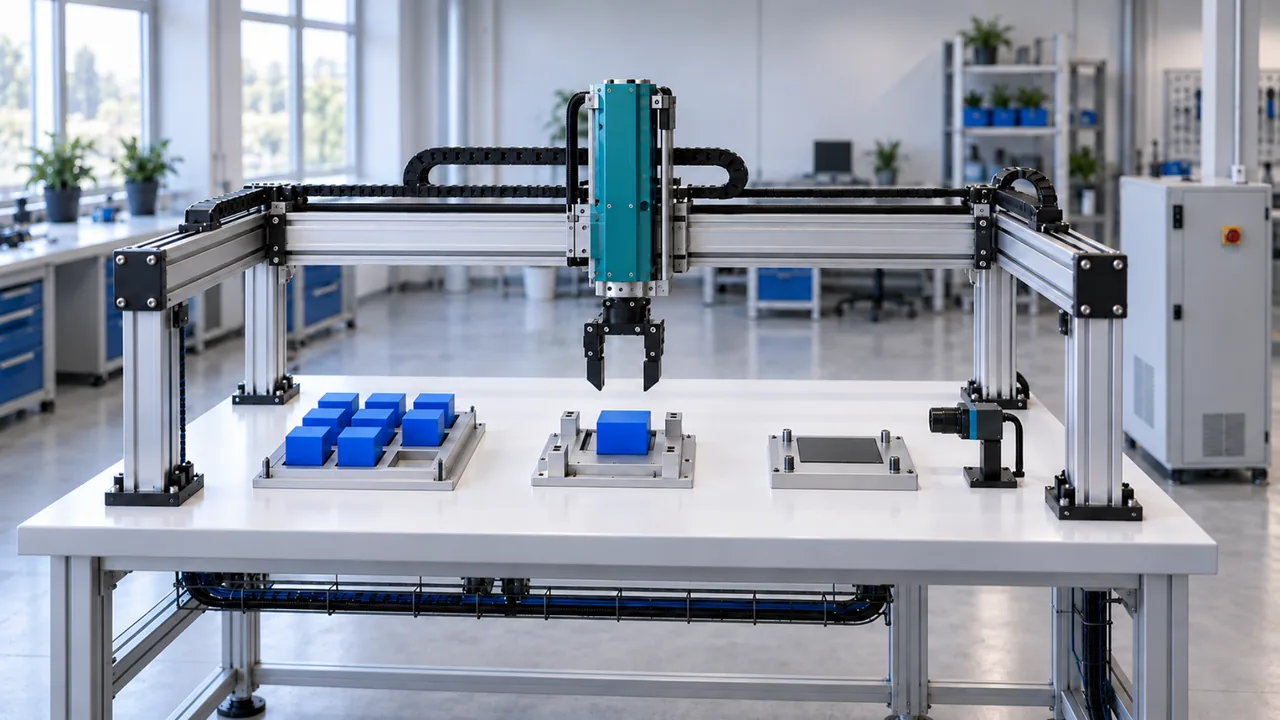
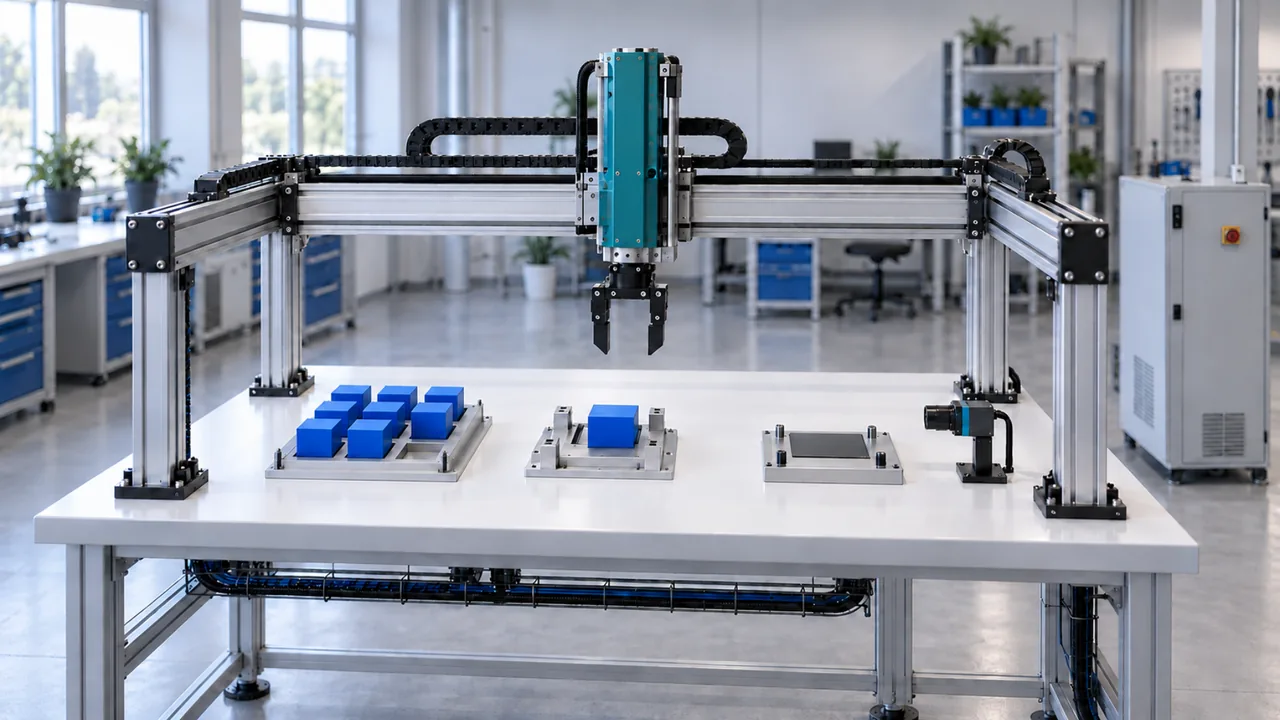
Placement is finished, so its mark is 1. Raising the gripper is a separate job.
Narration: The part is resting on the support and the gripper has let go. Placement is now finished, so its mark becomes 1. Raising the gripper can be considered as a separate job.
What to notice: Look at the supported part and the open gripper together.
Sending a movement command is not enough. Placement is unfinished while the gripper still holds the part.
Narration: The robot may have moved the part, but placement is not finished while the gripper is still holding it. Sending a movement command alone does not earn a finished mark.
What to notice: Check whether the part is still held by the gripper.
Before placement: 0. After placement: 1. The same job's finished mark changes.
Narration: Before placement the mark is zero, and after placement it is one. A bit stores one of these two values. Here, it remembers whether this Work has finished, rather than every movement of the robot.
What to notice: Compare the gripper before and after it lets go.
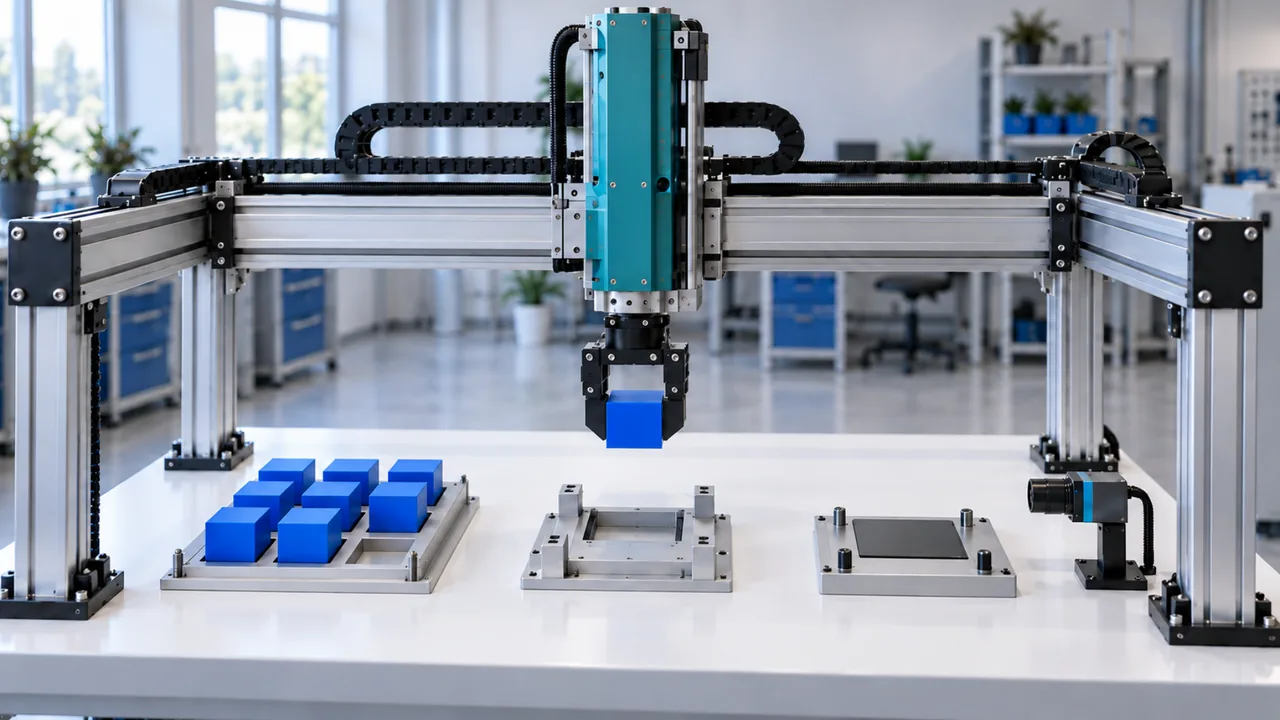
Picking and inspecting have finishing moments too. Let us mark the other jobs.
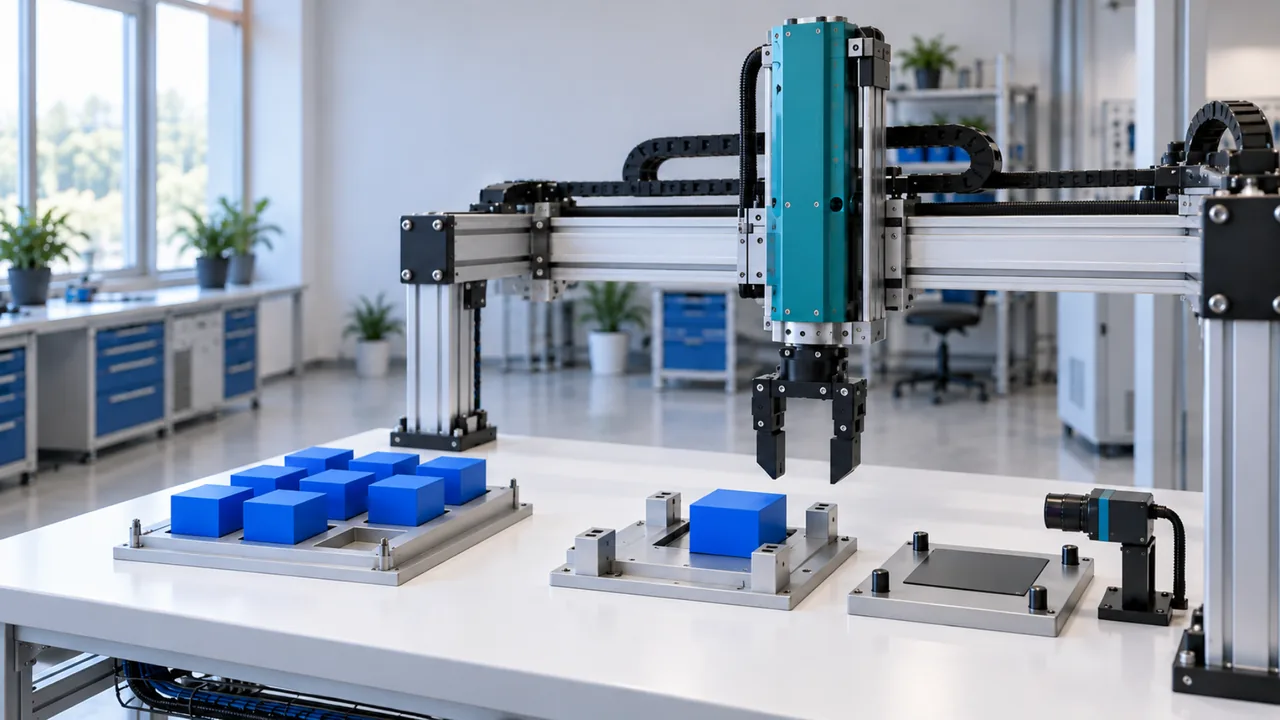
Narration: Parts wait on the left, a positioning support is in the middle, and inspection is on the right. Let us find the other jobs a part needs along this route.
What to notice: Follow the route from the left-hand tray to the inspection station.